A different ringtone for one contact on iPhone
Know who's calling without looking: every contact can have their own ringtone.
In short
Install the ringtone first, then open the contact's card: Edit › Ringtone, and pick it. Phone Ringtones opens the card for you.
What to know
iOS only lists installed ringtones in a contact's card. And no app can pick a contact's ringtone for you: you tap the last button yourself.
With Phone Ringtones
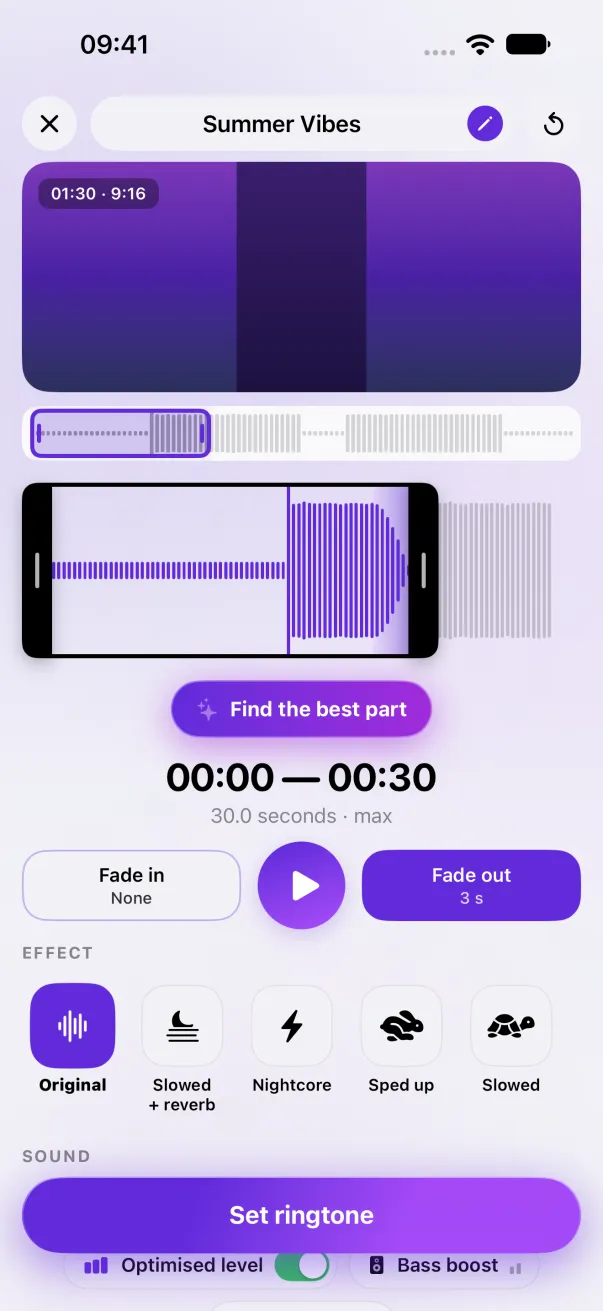
- Make your ringtone, then tap Assign to a contact and pick the contact.
- Tap Install and open the card: the ringtone installs, then the contact's card opens when you come back to the app.
- On the card, tap Edit, then Ringtone, and pick your new ringtone.
- Installing it also made it your main ringtone. To put the old one back for everyone else: Settings › Sounds & Haptics › Ringtone.
Without the app
In the Contacts app: pick the contact, tap Edit, then Ringtone. If your ringtone isn't there, it isn't installed yet.
The easy way: Phone Ringtones
Pick a video, pick your part, install it. Free, on iPhone.