 Phone Ringtones
Your next ringtone
Pick a video. Pick your part. Make your ringtone, in seconds, on your iPhone.
 On a computer? Scan with your iPhone.
4.7 out of 5170+ ratings on the App Store8,000+ ringtones made
- Free
- No account
- No GarageBand since iOS 26
- 29 languages
Three taps, that's it
- 1
Pick a video
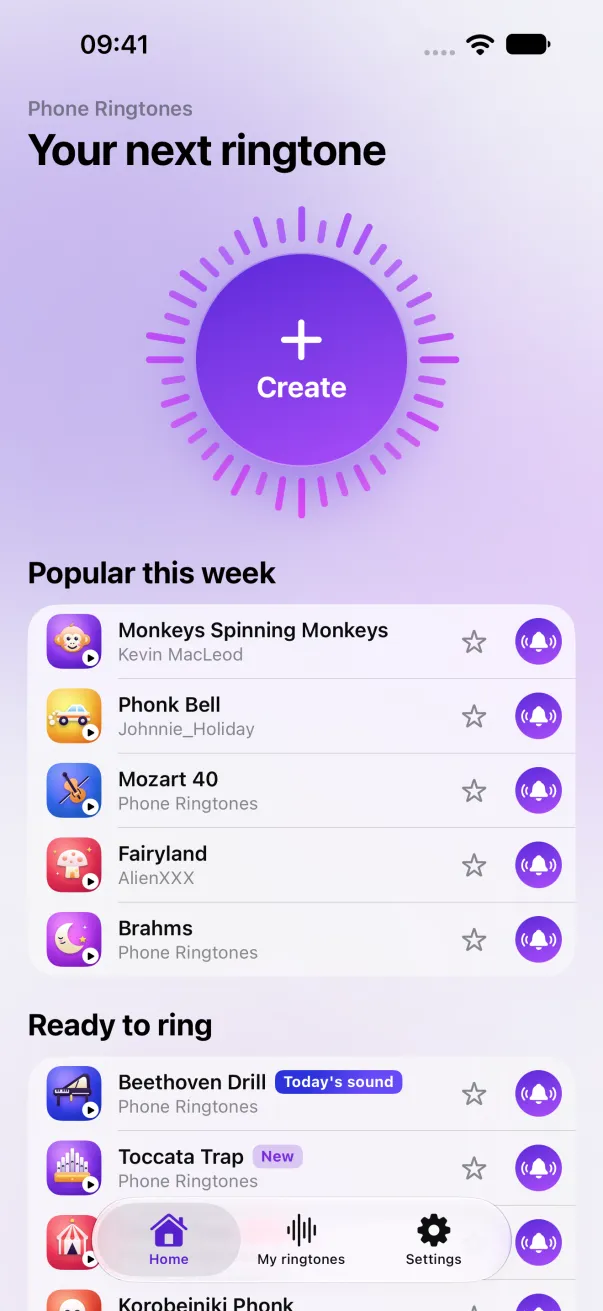
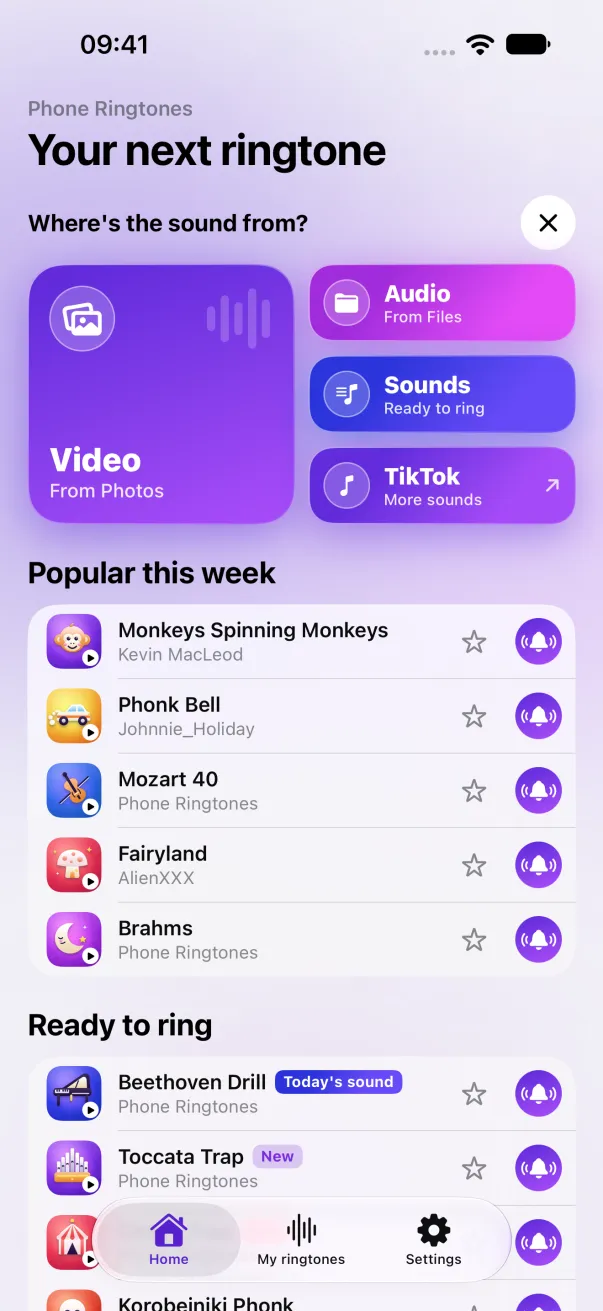
From Photos or Files, or start from one of our ready-to-ring sounds. A new one arrives every day.
- 2
Pick your part
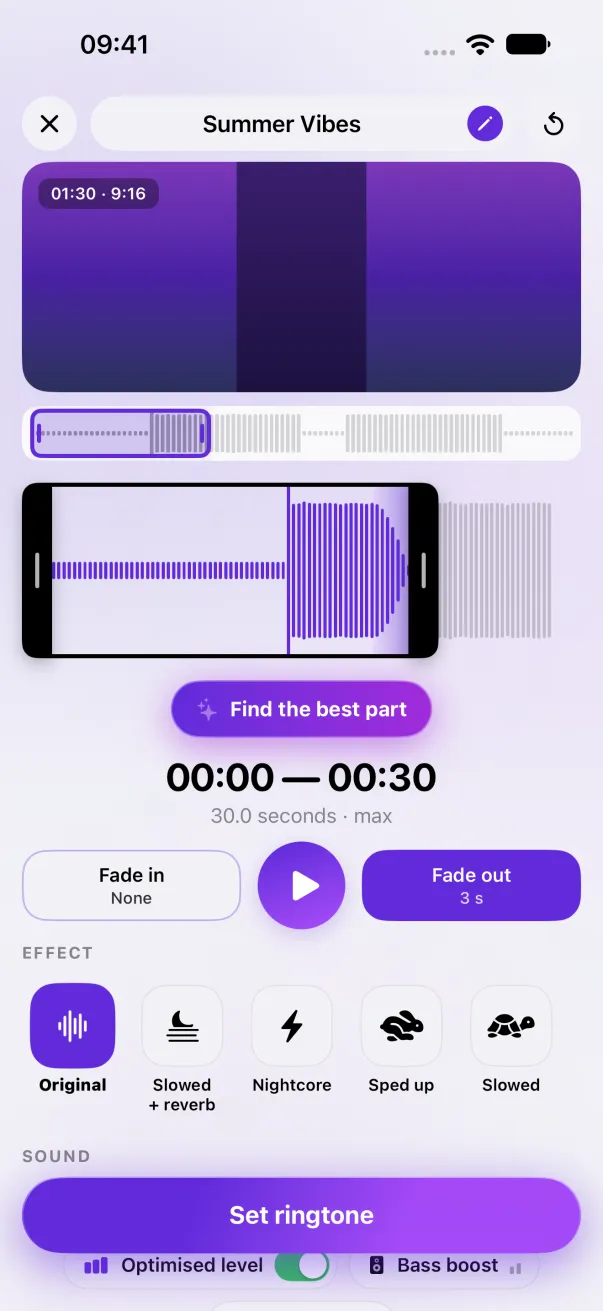
Slide the selection, up to 30 seconds. Add a fade, listen, try again.
- 3
Make your ringtone
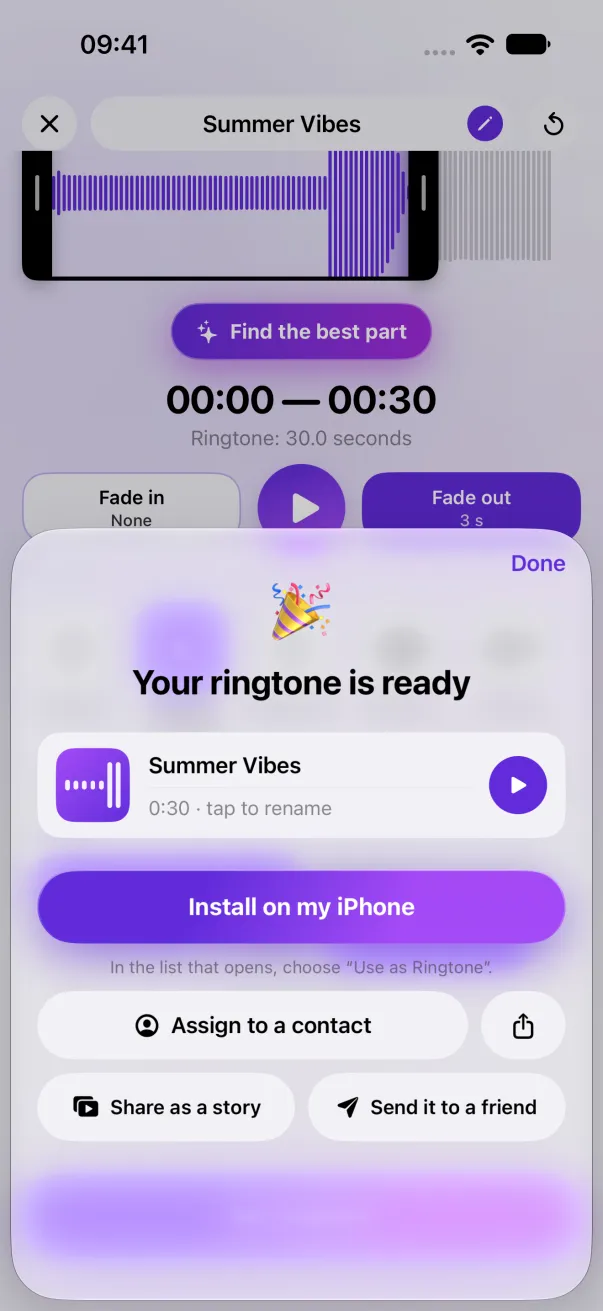
Since iOS 26, “Use as Ringtone” installs it in one tap. Before that, the app walks you through it.
Effects you can hear
Listen before you save: what you hear is exactly what will ring.
- Fades
- Optimised level
- Find the best part
- Slowed + reverbPremium
- NightcorePremium
- Sped upPremium
- SlowedPremium
- Bass boostPremium
- Perfect loopPremium
A ringtone for every contact
Pick Lea and the app opens her contact card for you. All that's left is to tap “Ringtone”. iOS lets no app do it for you, so we take you right to the button.
Guides
Everything you need to know to put the ringtone you want on your iPhone.
Questions
Is it free?
Yes: 5 ringtones a month, each for a short ad. Premium removes the ads, makes ringtones unlimited and unlocks the effects. Editing a ringtone you already made never counts.
Do my videos go online?
No. The sound is extracted and edited on your iPhone. No video and no sound leaves your phone, and there is no account to create.
Does it work on my iPhone?
Yes, from iOS 17. Since iOS 26 the ringtone installs in one tap; before that it goes through GarageBand, Apple's free app, and the app guides you.
How long?
A video up to 3 minutes, an audio file up to 10 minutes. The ringtone itself is 30 seconds at most: that's the iOS limit.
What about Android?
Phone Ringtones is made for iPhone only.
Where do the app's sounds come from?
We make them, or they are royalty-free sounds picked one by one, credited to their author in the app. No copyrighted songs.